Mobile Sales Force Application3.1
Publisher Description
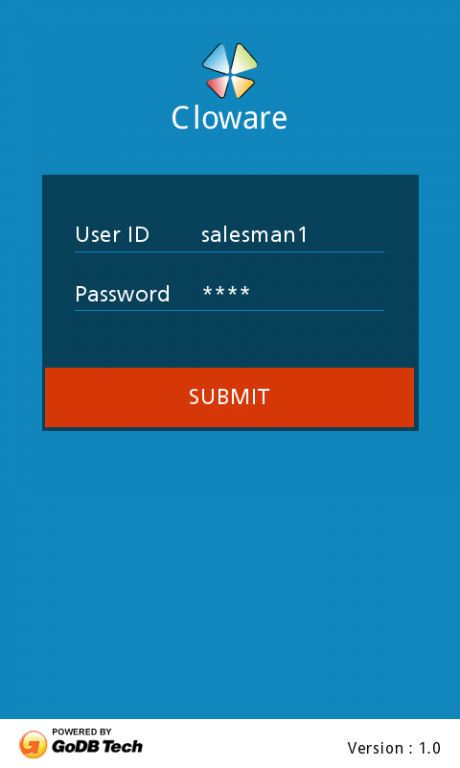
Cloware Mobile Sales force Automation helps you to reduce your Order to Cash Cycle by capturing the Field Sales activities (Order, Invoice,collection etc) on the Mobile device and pushing it directly to your Accounting/ERP.
Available Mobile Modules
Order Capture - Beat, Outlet, SKU, Schemes, Promotions etc, GPS location
Collection Modules - List of customers, Outstanding invoice details, Collection amount etc.
Invoice Module - View orders, Convert to invoices, Print invoices
Expenses - Expense recording, KM reading etc.
Daily Activity Report - Daily activity by category
Inventory Module - Auto compute primary inventory, Capture secondary inventory
Merchandize Module - Track assets at POP, Upload images
Leads Module - Capture new outlets, Dealers, Stockists information
Server App for
a) IT Admin to manage SKUs / Price / Schemes l Head office can view orders, collections
b) Management users can view standard reports – Daily orders, Collections etc.
c) Integration modules / API to download data and make reports
Suitable For Following Business Process.
i) Sales Reps collecting orders from Dealers/Distributors/Retail Outlets
ii) Distributors/Dealers placing primary orders
iii) Retailers directly placing orders with Distributors or Manufacturers
iv) Restaurant Managers placing repeat orders daily/weekly/monthly
v) An Enterprise placing office supply orders
vi) An End consumer placing tertiary orders online
Demo Application allows you to check the various modules. For Commercial deployment integrated with your Accounting/ERP contact us at sales@godbtech.com
About Mobile Sales Force Application
The company that develops Mobile Sales Force Application is MeapWare. The latest version released by its developer is 3.1. This app was rated by 2 users of our site and has an average rating of 3.0.
To install Mobile Sales Force Application on your Android device, just click the green Continue To App button above to start the installation process. The app is listed on our website since 2015-09-09 and was downloaded 71 times. We have already checked if the download link is safe, however for your own protection we recommend that you scan the downloaded app with your antivirus. Your antivirus may detect the Mobile Sales Force Application as malware as malware if the download link to com.godbtech.meap.androidsalesorder is broken.
How to install Mobile Sales Force Application on your Android device:
- Click on the Continue To App button on our website. This will redirect you to Google Play.
- Once the Mobile Sales Force Application is shown in the Google Play listing of your Android device, you can start its download and installation. Tap on the Install button located below the search bar and to the right of the app icon.
- A pop-up window with the permissions required by Mobile Sales Force Application will be shown. Click on Accept to continue the process.
- Mobile Sales Force Application will be downloaded onto your device, displaying a progress. Once the download completes, the installation will start and you'll get a notification after the installation is finished.
